


The Core Challenge: Why Large Codebases Are Hard to Grasp
Diving into a large, unfamiliar codebase is a common, yet often daunting, task for developers. Whether you're onboarding onto a new project, taking over a legacy system, or contributing to open-source, the sheer volume of files, intricate dependencies, and often sparse documentation can feel like navigating a maze blindfolded. Traditional methods—reading documentation (if it exists), tracing execution paths manually, or asking colleagues—are time-consuming and often inefficient. This is where AI, particularly large language models (LLMs) and specialized code assistants, can become an invaluable accelerator.
The primary difficulty lies in building a mental model of the system: understanding its architecture, key components, data flow, and the "why" behind certain design decisions. AI can help bridge this gap by rapidly processing vast amounts of code, summarizing complex logic, and answering specific questions that would otherwise require hours of manual investigation.
Setting Up Your AI-Powered Codebase Exploration Toolkit
Before you begin, ensure you have access to the right tools. The most effective approach often involves a combination of local and cloud-based AI, along with specialized code-aware environments.
- Cloud-based LLMs (e.g., GPT-4, Claude, Gemini): Excellent for general code understanding, summarizing files, explaining complex algorithms, and generating high-level architectural insights. They offer broad knowledge and strong reasoning capabilities.
- Local LLMs (e.g., via Ollama, LM Studio): Useful for sensitive code that cannot leave your environment. While often less powerful than top-tier cloud models, they are improving rapidly and can be fine-tuned for specific tasks.
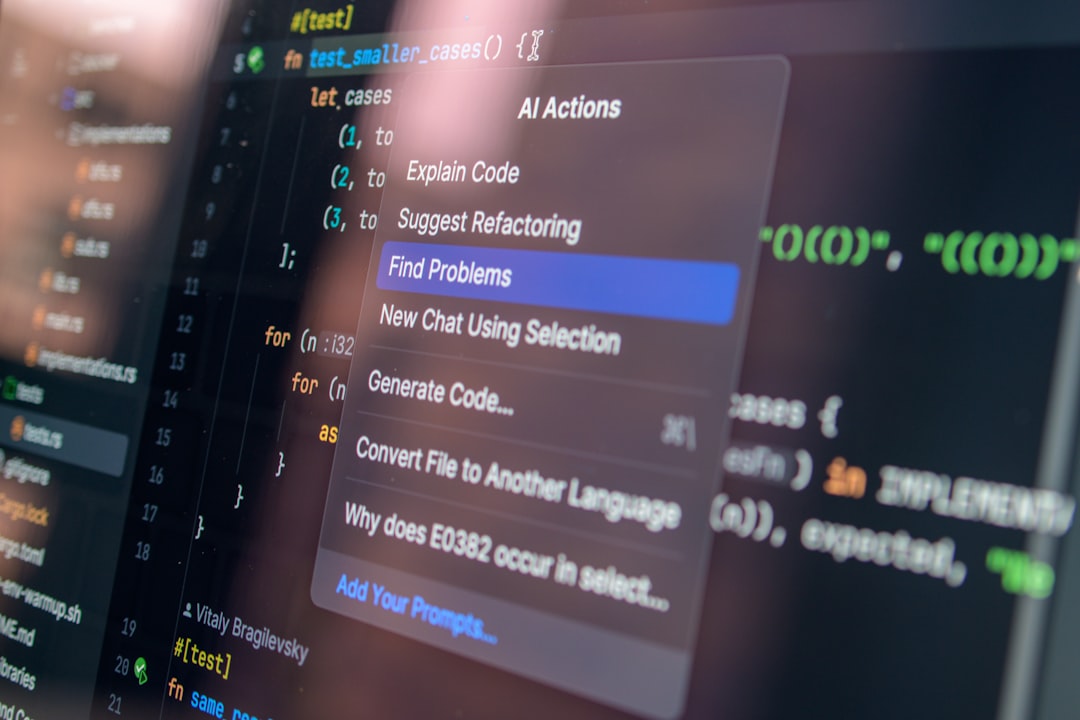
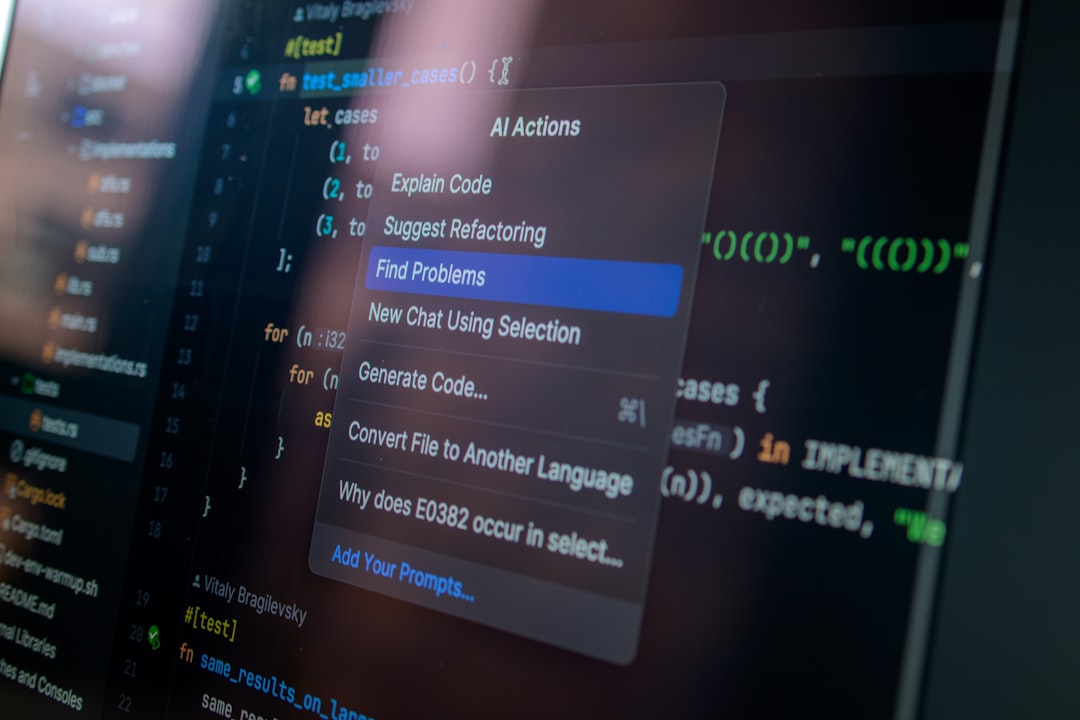
- Integrated Development Environments (IDEs) with AI (e.g., VS Code with GitHub Copilot Chat, Cursor, JetBrains AI Assistant): These tools are crucial because they provide AI assistance directly within your coding environment, offering context-aware suggestions, explanations, and refactoring capabilities. They often integrate Retrieval Augmented Generation (RAG) to query your specific codebase.
- Vector Databases and RAG Frameworks (for advanced users): For truly massive or highly proprietary codebases, setting up a custom RAG system (embedding your codebase and querying it) can provide the deepest, most context-rich answers.
Step-by-Step Workflow: Using AI to Decipher Code
Step 1: Get a High-Level Overview
Start broad and progressively narrow your focus. Avoid diving into individual files immediately.
- Analyze the Repository Structure:
- Action: Use your IDE's file explorer or a simple
ls -Rcommand. Copy the directory structure (or a significant portion of it) into your AI assistant. - Prompt Example: "Here is the directory structure of a new project. Can you infer its primary purpose, identify potential key modules, and suggest what technologies might be in use?"
- Why it matters: This initial step helps you understand the project's organization and gives the AI context for subsequent questions.
- Examine Key Configuration Files:
- Action: Look for
package.json,pom.xml,requirements.txt,Dockerfile,Makefile,webpack.config.js, or similar files. Copy their contents to the AI. - Prompt Example: "Based on this
package.jsonfile, what are the main dependencies and scripts? What kind of application is this likely to be (e.g., web app, backend API, CLI tool)?" - Why it matters: These files reveal core technologies, build processes, and runtime environments.
Step 2: Identify Entry Points and Core Logic
Once you have a general idea, pinpoint where the application starts and its main functions reside.
- Locate the Main Entry Point:
- Action: Based on the language and framework (e.g.,
main.py,index.js,App.java), find the primary entry file. Paste its content into the AI. - Prompt Example: "This is the main entry point of the application. Can you explain its overall flow and identify the most critical functions or classes it initializes?"
- Why it matters: Understanding the entry point is crucial for tracing execution and understanding how the system boots up.
- Summarize Core Components:
- Action: For identified key modules or classes, feed their code to the AI.
- Prompt Example: "Explain what this
UserServiceclass does, its main methods, and how it interacts with other parts of the system based on its dependencies." - Why it matters: This helps you quickly grasp the responsibility of individual components without reading every line.

Step 3: Trace Data Flow and Interdependencies
Complex systems are defined by how data moves between components. AI can help visualize this.
- Follow a Specific Feature's Path:
- Action: Pick a user-facing feature (e.g., "user login", "product search"). Ask the AI to trace its execution.
- Prompt Example: "Starting from the
/api/loginendpoint, trace the execution path for a user login request. Which services, controllers, and database operations are involved?" (Provide relevant code snippets if the AI doesn't have full context). - Why it matters: This practical approach helps you understand the real-world interactions within the codebase.
- Identify Dependencies and Relationships:
- Action: If you're using an IDE with an integrated AI, leverage its ability to "Go to Definition" or "Find References" and then ask the AI to explain the relationship.
- Prompt Example: "This function
processOrder()callscalculateTax()andupdateInventory(). Explain the purpose of each call in the context of order processing." - Why it matters: Understanding dependencies is key to making changes without introducing regressions.
Step 4: Debugging and Problem Solving with AI
When you encounter issues or need to understand specific behaviors, AI can act as a powerful debugger.
- Explain Error Messages:
- Action: Paste the full stack trace or error message into the AI.
- Prompt Example: "I'm getting this error: [paste error]. What does it mean, and what are the most likely causes in a Python Flask application?"
- Why it matters: AI can often quickly pinpoint the root cause or suggest common solutions.
- Understand Complex Code Blocks:
- Action: When a specific function or loop is confusing, feed it to the AI.
- Prompt Example: "Explain what this regular expression
/^([a-z0-9_\]+)\/([a-z0-9_\]+)$/iis matching and provide a few example strings it would match or not match." - Why it matters: AI can break down intricate logic into understandable explanations.
Effective Prompting Strategies for Codebase Understanding
The quality of AI's output heavily depends on your prompts:
- Be Specific: Instead of "Explain this code," ask "Explain what this
authenticateUserfunction does, its inputs, outputs, and potential side effects." - Provide Context: Always include relevant surrounding code, file names, or architectural context. "This is a reducer in a Redux store. Explain how it handles the
ADD_ITEMaction." - Ask for Different Perspectives: "Explain this code for a junior developer." or "Explain the security implications of this authentication flow."
- Iterate and Refine: If the first answer isn't clear, ask follow-up questions. "Can you elaborate on the role of the 'factory pattern' here?"
- Specify Output Format: "Summarize this class in bullet points." or "Provide a sequence diagram for this process."
Limitations and Best Practices
While AI is a powerful ally, it's not a silver bullet. Be aware of its limitations:
- Hallucinations: AI can confidently generate incorrect information. Always verify critical details, especially for security-sensitive or business-critical logic.
- Context Window Limits: Even advanced LLMs have limits on how much code they can process at once. Break down large files or complex systems into smaller, manageable chunks.
- Lack of "Intent" Understanding: AI can explain *what* the code does, but it struggles with *why* a particular design choice was made without explicit comments or documentation.
- Outdated Knowledge: Cloud models have a knowledge cutoff. They might not be aware of the latest library versions or framework changes.
Best Practices:
- Start with a "Human Read": Before AI, spend a few minutes scanning the project structure and key files yourself to build a basic mental map.
- Use AI as a "Smart Assistant," Not a "Sole Authority": Treat AI's explanations as a starting point for your own deeper investigation.
- Combine Tools: Leverage the strengths of both integrated IDE AI for context and general-purpose LLMs for broader explanations.
- Document Your Findings: As you learn, update internal documentation or add comments to the codebase. This benefits future team members and reinforces your understanding.
The Practical Takeaway
Understanding a large codebase faster with AI isn't about replacing human effort; it's about augmenting it. By systematically applying AI tools to get high-level overviews, identify core logic, trace data flows, and debug issues, developers can significantly reduce the time and cognitive load associated with onboarding or navigating complex projects. The key is to use AI strategically, with clear prompts and a critical eye, leveraging its ability to process and summarize information at a scale impossible for a human alone. This allows you to move from being overwhelmed to productively contributing much more quickly.




2 Comments