

Demystifying AI: It’s not just for coders
For many, Artificial Intelligence conjures images of complex algorithms, lines of code, and data scientists in lab coats. While that’s certainly a part of the AI world, it’s far from the whole picture. Today, AI is more accessible than ever, integrated into user-friendly tools that anyone can pick up and use, regardless of their technical background. Think of it less as building a car engine and more like driving a car – you don’t need to be an engineer to benefit from its power.
At TechDecoded, we believe technology should empower everyone. This guide will show you how to harness the incredible capabilities of AI to boost your productivity, creativity, and problem-solving skills, all without writing a single line of code.

Everyday AI tools you can start using today
The market is flooded with AI tools designed for the everyday user. Here are some of the most popular and versatile options that require zero technical expertise:
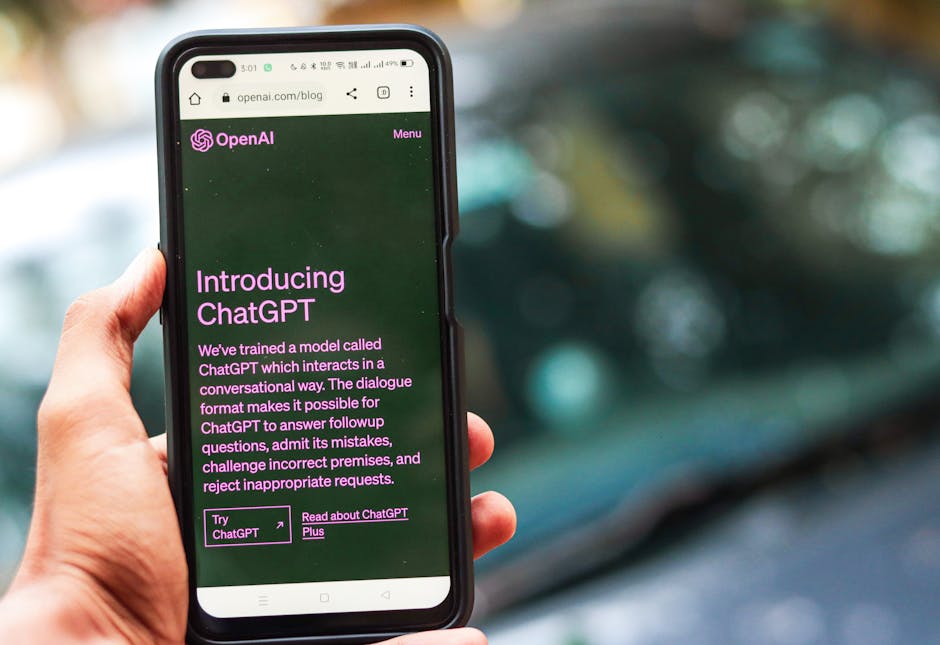
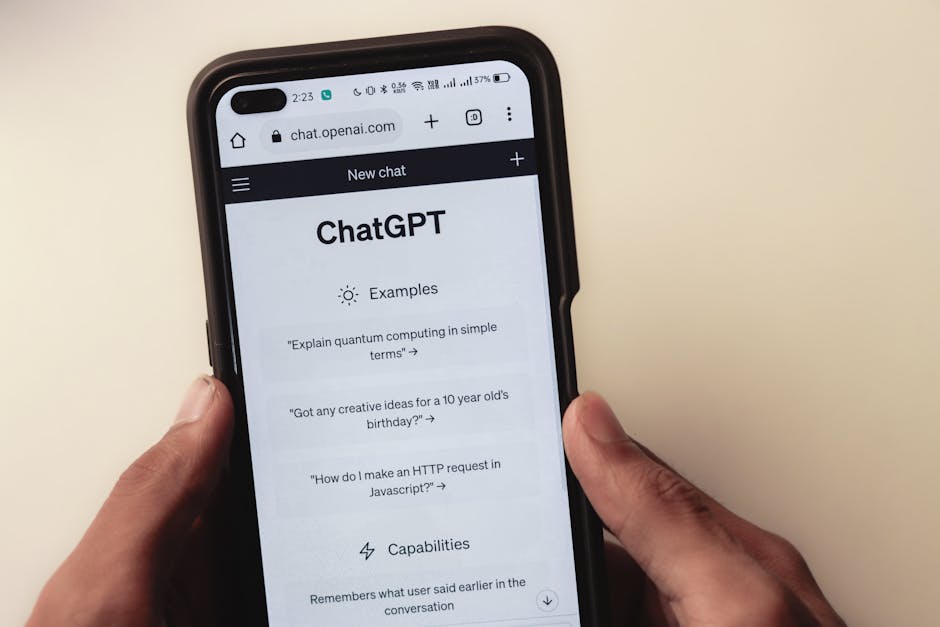
- Generative AI for text: Tools like ChatGPT, Google Bard, and Microsoft Copilot can generate human-like text, answer questions, summarize documents, write emails, and even brainstorm ideas. You simply type in a prompt, and the AI does the rest.
- AI for image creation: Platforms such as Midjourney, DALL-E 3, and Stable Diffusion (often via user-friendly web interfaces) allow you to create stunning images from text descriptions. Want a ‘cat wearing a spacesuit on the moon’? Just type it in!
- Productivity assistants: AI is embedded in many tools you might already use. Grammarly helps refine your writing, Notion AI assists with note-taking and content generation, and various email assistants can draft replies or summarize long threads.
- Translation services: Google Translate and DeepL leverage AI to provide highly accurate translations across dozens of languages, breaking down communication barriers instantly.
- Voice assistants: Siri, Alexa, and Google Assistant are prime examples of AI in action, responding to your voice commands to play music, set reminders, answer questions, and control smart home devices.
Practical applications: AI without the code
Now that you know some of the tools, let’s explore how you can put them to work in real-world scenarios:
Content creation and brainstorming
- Blog posts & articles: Provide an AI with a topic and a few key points, and it can generate a draft for you to refine.
- Social media captions: Struggling for engaging captions? AI can whip up several options based on your image or message.
- Brainstorming ideas: Need ideas for a new project, a marketing campaign, or even a dinner recipe? Ask an AI to generate a list.

Learning and research
- Summarize complex topics: Paste a long article or document into an AI tool and ask it to provide a concise summary, saving you time.
- Explain concepts simply: If you’re grappling with a complex subject, ask the AI to explain it to you ‘as if I’m five’ or ‘in simple terms’.
- Language learning: Use AI translators to understand foreign texts or practice conversational phrases.

Personal and professional productivity
- Email drafting: Give the AI a few bullet points, and it can compose professional emails for various purposes.
- Scheduling and reminders: Voice assistants excel at managing your calendar and setting timely reminders.
- Image generation for presentations: Create unique, custom images for your slides without needing graphic design skills.
Tips for getting started with AI
Diving into AI can feel overwhelming, but these tips will help you navigate the landscape:
- Start small: Pick one tool and one specific task you want to accomplish. Master that before moving on.
- Experiment with prompts: The quality of AI output often depends on the quality of your input. Play around with different ways of phrasing your requests. Be specific, provide context, and iterate.
- Understand limitations: AI is a tool, not a sentient being. It can make mistakes, generate biased information, or produce outputs that sound confident but are factually incorrect (hallucinations). Always verify critical information.
- Focus on augmentation, not replacement: Think of AI as your co-pilot, not your replacement. It’s there to enhance your abilities, automate mundane tasks, and spark creativity, allowing you to focus on higher-level thinking and human connection.

Embracing your AI-powered future
The world of AI is evolving at an incredible pace, and its integration into our daily lives is only going to deepen. By understanding and utilizing these accessible tools, you’re not just keeping up with technology; you’re actively shaping your future productivity and creativity. You don’t need to be a programmer to be an AI power user. All you need is curiosity and a willingness to explore. So, go ahead, pick a tool, try a prompt, and discover how AI can transform the way you work, learn, and create.
Leave a Comment