


The prototyping puzzle: Why speed and clarity matter
In the fast-paced world of technology, bringing a software idea to life quickly and efficiently is paramount. Software prototyping is the crucial first step, allowing developers and designers to create preliminary versions of a product to test concepts, gather feedback, and refine functionality before committing to full-scale development. It’s about visualizing an idea, making it tangible, and iterating rapidly.
Traditionally, this process can be time-consuming and resource-intensive, involving countless hours of manual wireframing, mock-up creation, and basic coding. Misunderstandings between stakeholders can lead to costly rework, and slow iteration cycles can mean missing market opportunities. This is where artificial intelligence steps in, offering a revolutionary approach to streamline and supercharge the entire prototyping journey.

How AI is transforming the prototyping landscape
Artificial intelligence is no longer a futuristic concept; it’s a practical partner in today’s development toolkit. For software prototyping, AI tools are proving to be game-changers, automating mundane tasks, generating creative solutions, and providing data-driven insights that were previously out of reach. By leveraging AI, teams can significantly reduce the time from concept to a testable prototype, fostering innovation and collaboration.
- Unprecedented speed: AI can generate design elements, code snippets, and even entire UI layouts in seconds, drastically cutting down initial development time.
- Enhanced iteration: With faster generation, teams can explore more design variations and test different approaches without significant time investment.
- Boosted creativity: AI can suggest novel design patterns or functional approaches that human designers might overlook, sparking new ideas.
- Improved accuracy and consistency: AI tools can enforce design systems and coding standards, leading to more consistent and error-free prototypes.
- Data-driven decisions: AI can analyze user feedback and behavior, providing actionable insights to refine prototypes based on real-world data.

Essential AI tools for every prototyping stage
The application of AI in prototyping spans various stages, from initial ideation to generating functional code and analyzing user interactions. Here’s a breakdown of key areas where AI tools are making a significant impact:
Idea to wireframe: AI-powered UI/UX design
Gone are the days of starting from a blank canvas. AI tools can now interpret natural language descriptions, hand-drawn sketches, or even existing website screenshots to generate initial wireframes, mock-ups, and complete UI designs. This accelerates the conceptualization phase, allowing designers to focus on refinement and user experience rather than repetitive layout tasks.
- Figma plugins: Tools like ‘Magician’ by Figma or ‘Uizard’ can turn text prompts or basic sketches into high-fidelity designs.
- Low-code/no-code platforms with AI: Platforms such as ‘Bubble’ or ‘Webflow’ are integrating AI features to suggest layouts, components, and even generate entire pages based on user input.
- Design generators: AI-powered tools that create multiple design variations based on brand guidelines and user preferences.
From mock-up to functional code: AI code generation
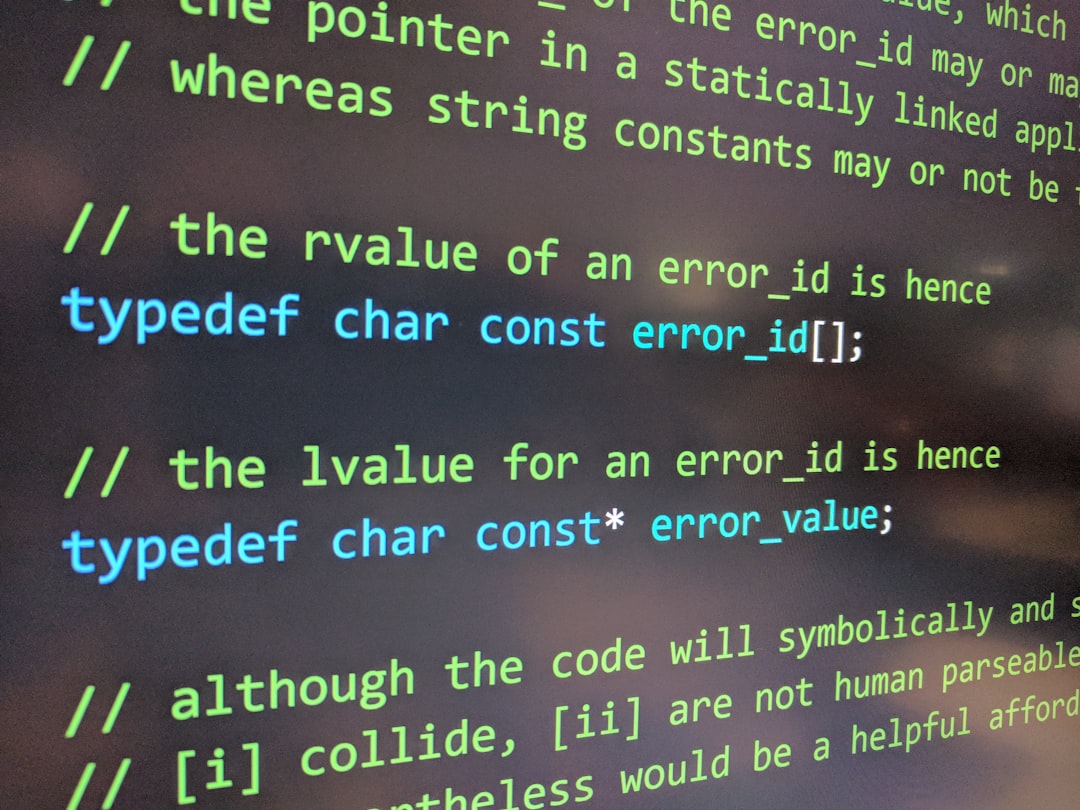
Perhaps one of the most exciting advancements is AI’s ability to translate visual designs into functional code. These tools can take a static mock-up and generate front-end code (HTML, CSS, JavaScript, React, Vue, etc.) that is ready for integration. This bridges the gap between design and development, making prototypes interactive much faster.
- GPT-based code assistants: Tools like ‘GitHub Copilot’ or ‘ChatGPT’ can generate code snippets, functions, or even entire components from natural language descriptions or design specifications.
- Specialized design-to-code platforms: Solutions that specifically convert Figma or Sketch designs into clean, production-ready code.
- AI for backend scaffolding: Some AI tools can even generate basic API structures, database models, and server-side logic based on high-level requirements.
Smart feedback and iteration: AI for user insights
Understanding how users interact with a prototype is critical for its success. AI tools can automate and enhance the feedback collection and analysis process, providing deeper insights faster than traditional methods.
- Sentiment analysis: AI can process user comments, reviews, and survey responses to gauge overall sentiment and identify pain points.
- User behavior prediction: By analyzing interaction data, AI can predict user paths, identify usability issues, and suggest improvements to the prototype’s flow.
- Automated A/B testing insights: AI can quickly analyze results from A/B tests, highlighting which design variations perform best and why.
Beyond the UI: AI for backend and data modeling
Prototyping isn’t just about the visual interface; it also involves the underlying architecture. AI can assist in designing the non-visual aspects of a software product, ensuring a robust foundation.
- Database schema generation: AI can suggest optimal database structures and relationships based on application requirements, saving significant design time.
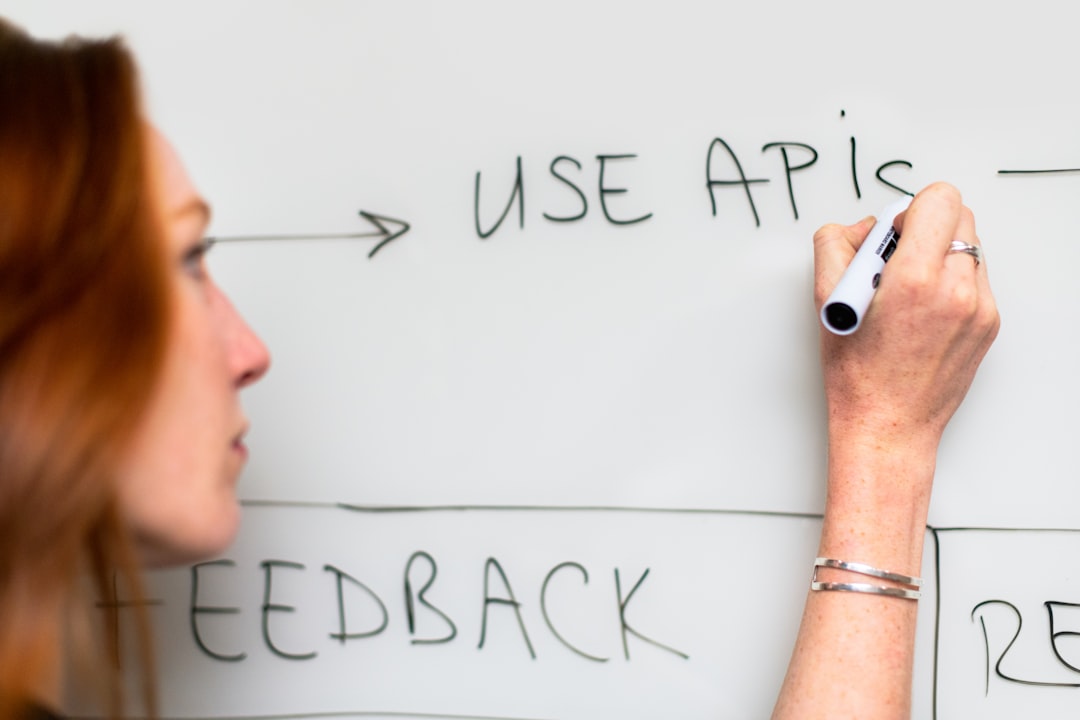
- API definition assistance: Tools can help define API endpoints, request/response structures, and even generate basic API documentation.
Integrating AI into your prototyping workflow
Adopting AI tools into your existing prototyping workflow doesn’t have to be an overhaul; it can be a gradual, strategic integration. Start by identifying the most time-consuming or repetitive tasks in your current process and explore AI solutions that address those specific pain points. Remember, AI is a co-pilot, not a replacement for human creativity and critical thinking.
- Start small: Begin with one or two AI tools that offer immediate value, such as an AI-powered design assistant or a code generation plugin.
- Maintain human oversight: Always review AI-generated content, whether it’s design or code, for accuracy, adherence to brand guidelines, and overall quality.
- Train and adapt: Invest time in learning how to effectively prompt and utilize AI tools to get the best results. The better your input, the better the AI’s output.
- Foster collaboration: Encourage designers and developers to experiment with AI together, breaking down traditional silos and accelerating shared understanding.
Navigating the future of product development
The integration of AI into software prototyping marks a significant evolution in how we conceive, design, and build digital products. It empowers teams to be more agile, innovative, and responsive to user needs, transforming complex ideas into tangible experiences with unprecedented speed. While AI handles the repetitive and data-heavy tasks, human ingenuity remains at the core, guiding the vision, ensuring ethical considerations, and injecting the unique creativity that only humans can provide. Embracing these AI tools isn’t just about efficiency; it’s about unlocking new possibilities and shaping a more dynamic, user-centric future for software development.



Leave a Comment